From ‘Where is it?’
to ‘Here it is.’
Photos, searchable inventory and QR labels.
One app for the things you keep and the things you work with.
At home. At work.
Currently invitation-only.
Example inventory
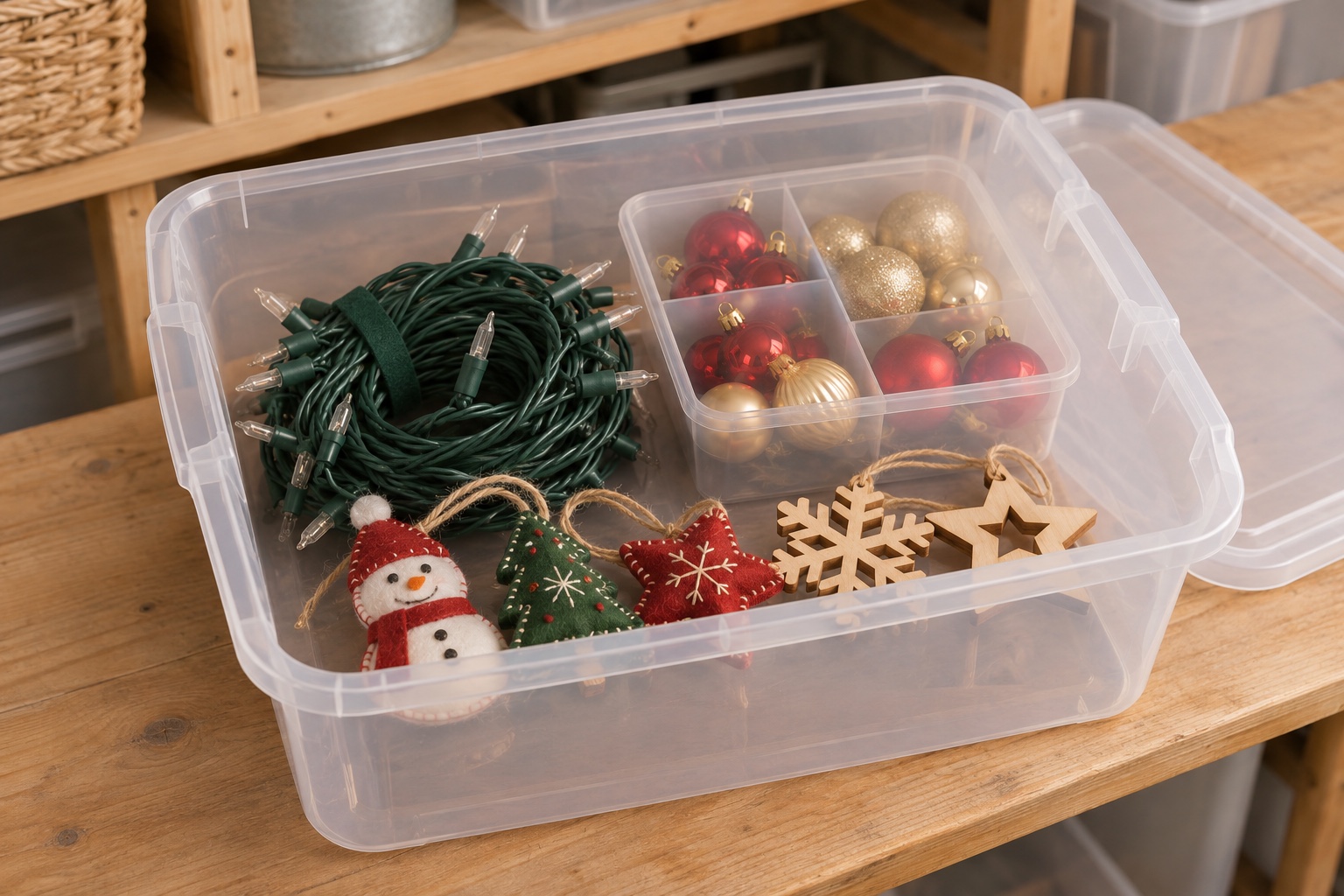
String lights
Seasonal decorations
Garage · Shelf 2
Try GarageBucket, step by step.
A guided tour with sample inventory. No account needed.
Step 1 of 4: Photograph
String lights · home example
Start with a photo.
Photograph an item, then review its details before adding it to your inventory. Let’s use this sample.
String lightsSample photo selected. You’re ready to organize it.
Give it a home.
A bucket groups items together. Its location tells you where to look in the real world.
- Item
- String lights
- Bucket
- Seasonal decorations
- Location
- Garage · Shelf 2
Added to the sample bucket. Its location stays with it.
Put a label on the real thing.
Print a bucket label. Scanning its QR code can show what’s inside without opening the container.
Now, find it.
Search for “lights” to find the item and see exactly where it belongs.
One sample item is ready to find.
Seasonal decorations
Garage · Shelf 2
This walkthrough uses sample items and doesn’t change anyone’s inventory.
Home life. Work life. Found.
Seasonal decorations
Garage
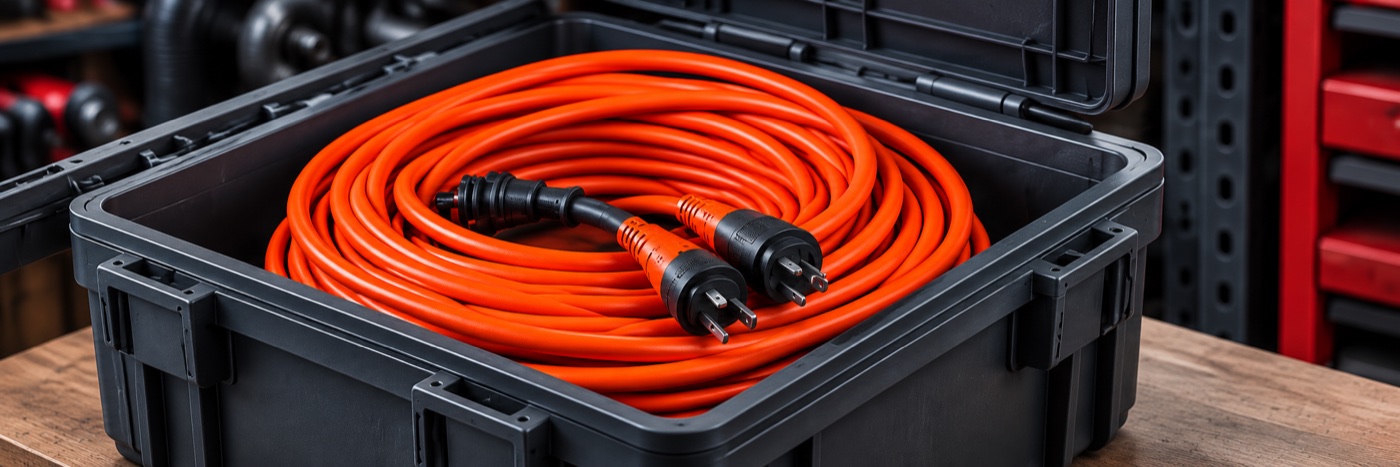
Extension cables
Equipment case
- Photograph.
- Organize.
- Label.
- Find.